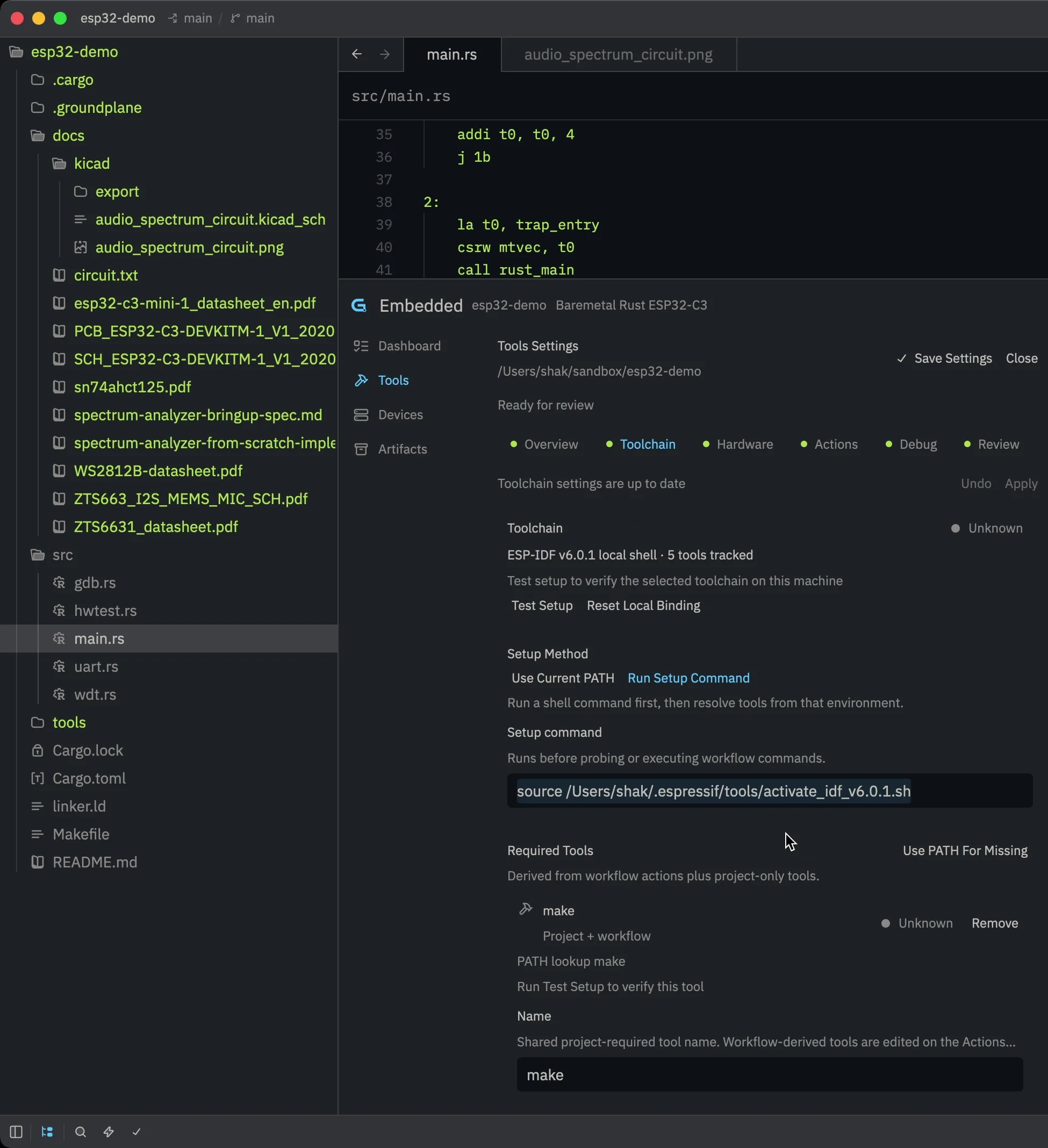
Project setup
Configure the project once.
Define the developer environment, assign connected hardware by role, and describe the commands that build, flash, monitor, and debug the firmware.
AI-native code editor for embedded systems
Groundplane brings firmware development, hardware‑in‑the‑loop (HIL) testing, and source-level debugging into one editor. Your AI agent can use the same tools you do.
Request early access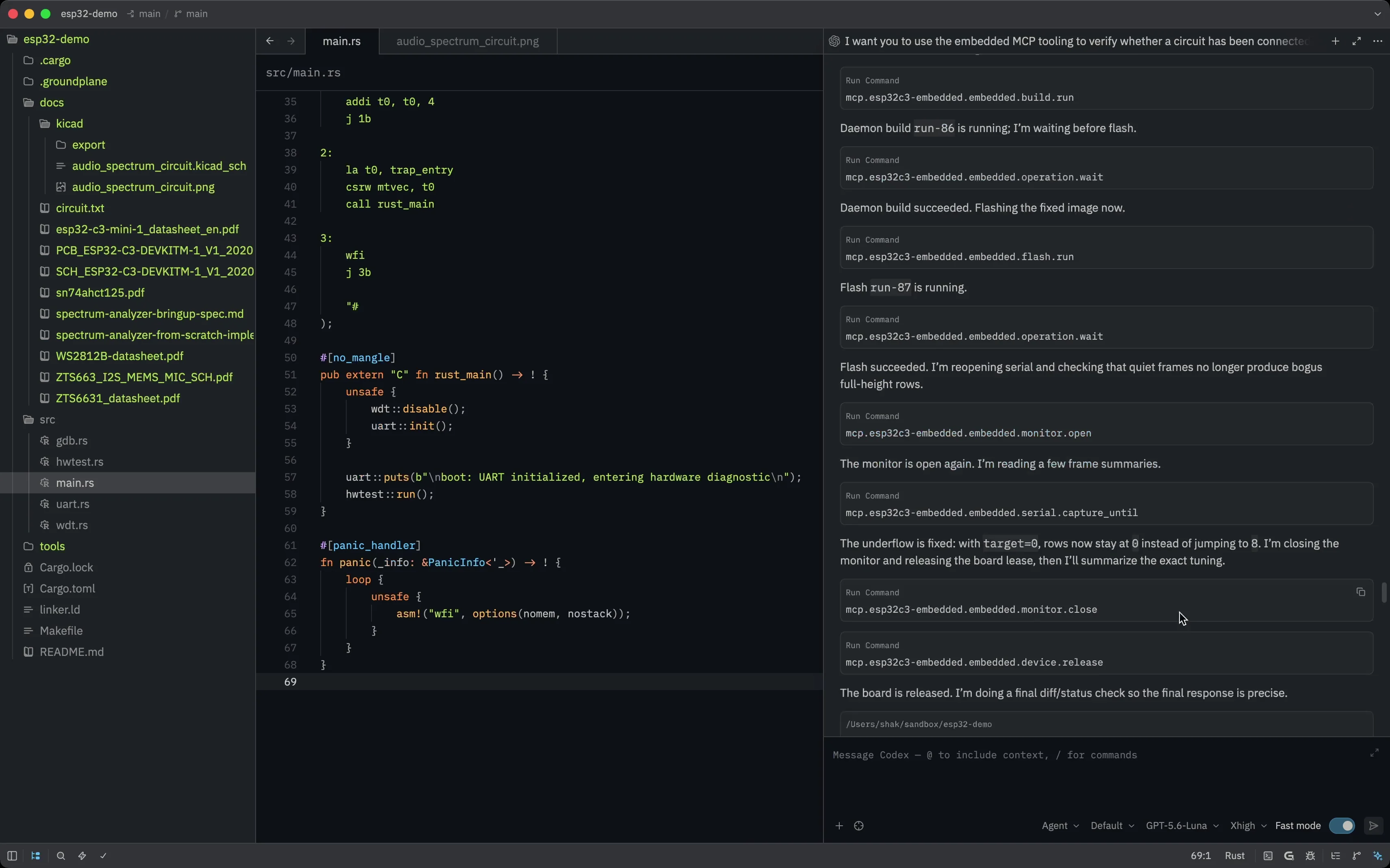
Building and shipping firmware depends on custom toolchains, connected hardware, and repeatable device workflows. Groundplane provides structure to make those parts explicit and keeps them close to the code, making the project’s operational context easier for both humans and AI agents to understand.
Project setup
Define the developer environment, assign connected hardware by role, and describe the commands that build, flash, monitor, and debug the firmware.
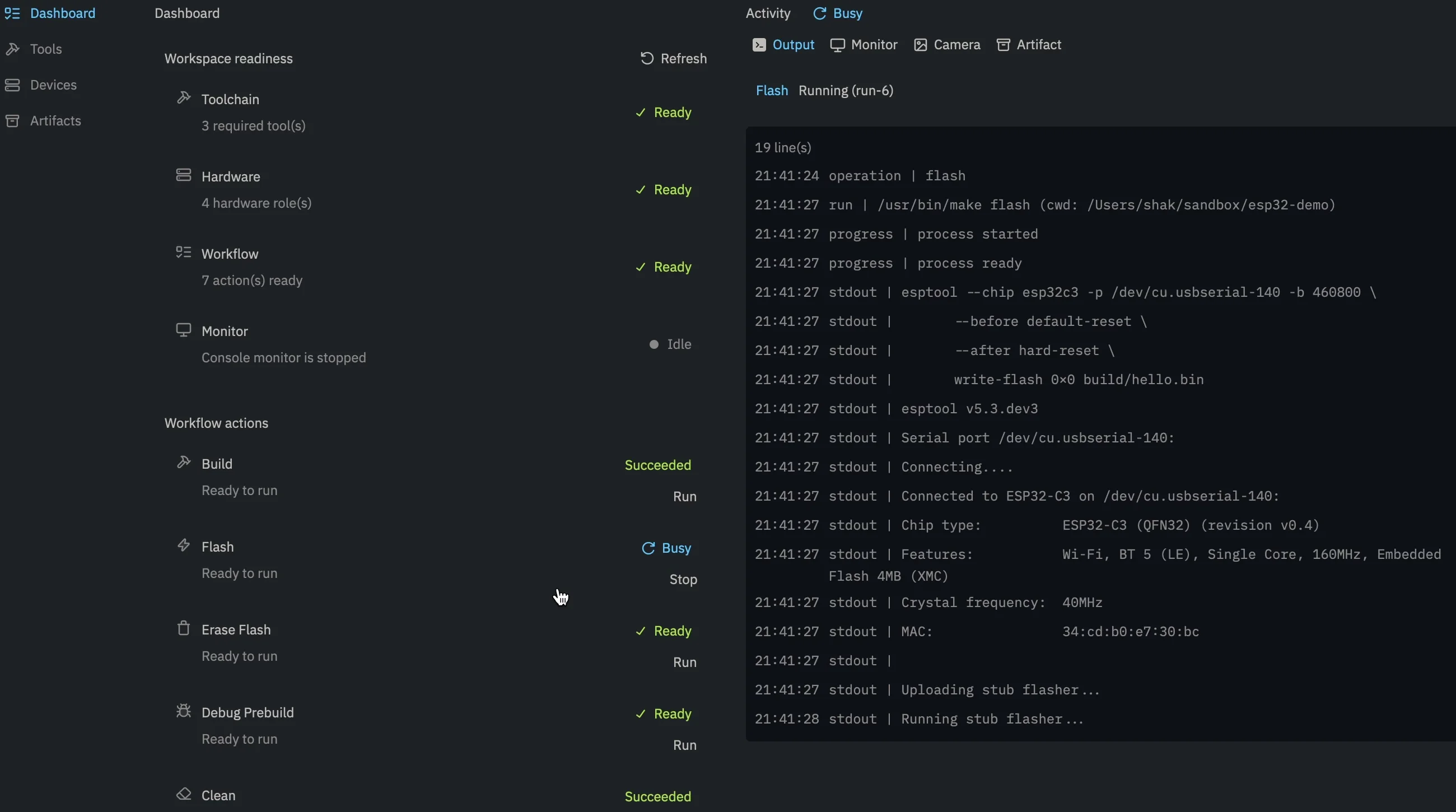
Firmware workflow
Groundplane activates the right toolchain, targets the correct hardware, and captures the resulting output alongside the operation that produced it — so every device workflow is faster to run, easier to inspect, and simpler to repeat.
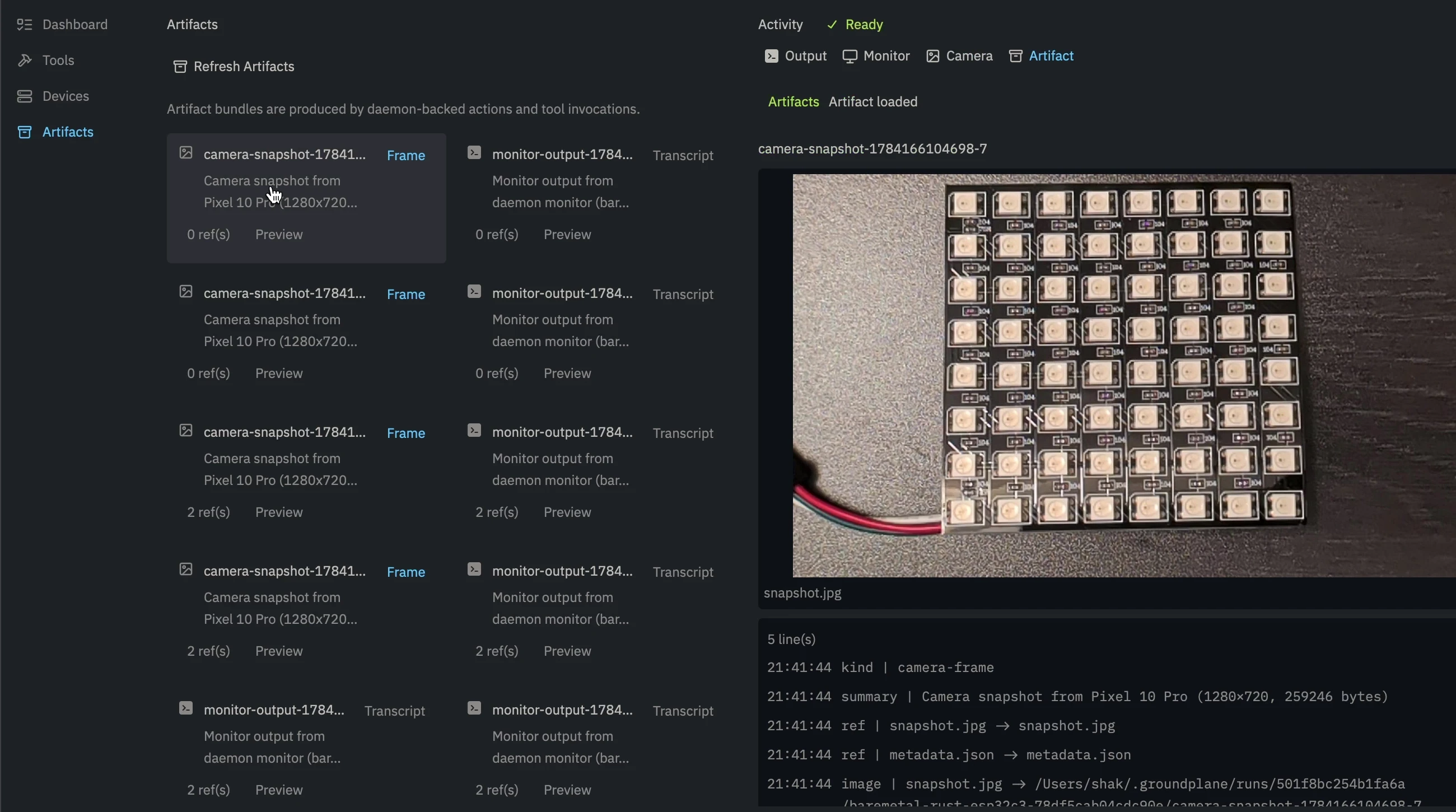
Target artifacts
Through MCP, agents can use serial consoles, logic analyzers, oscilloscopes, and other workbench tools to close the feedback loop and directly inspect, reason about, and debug the target.
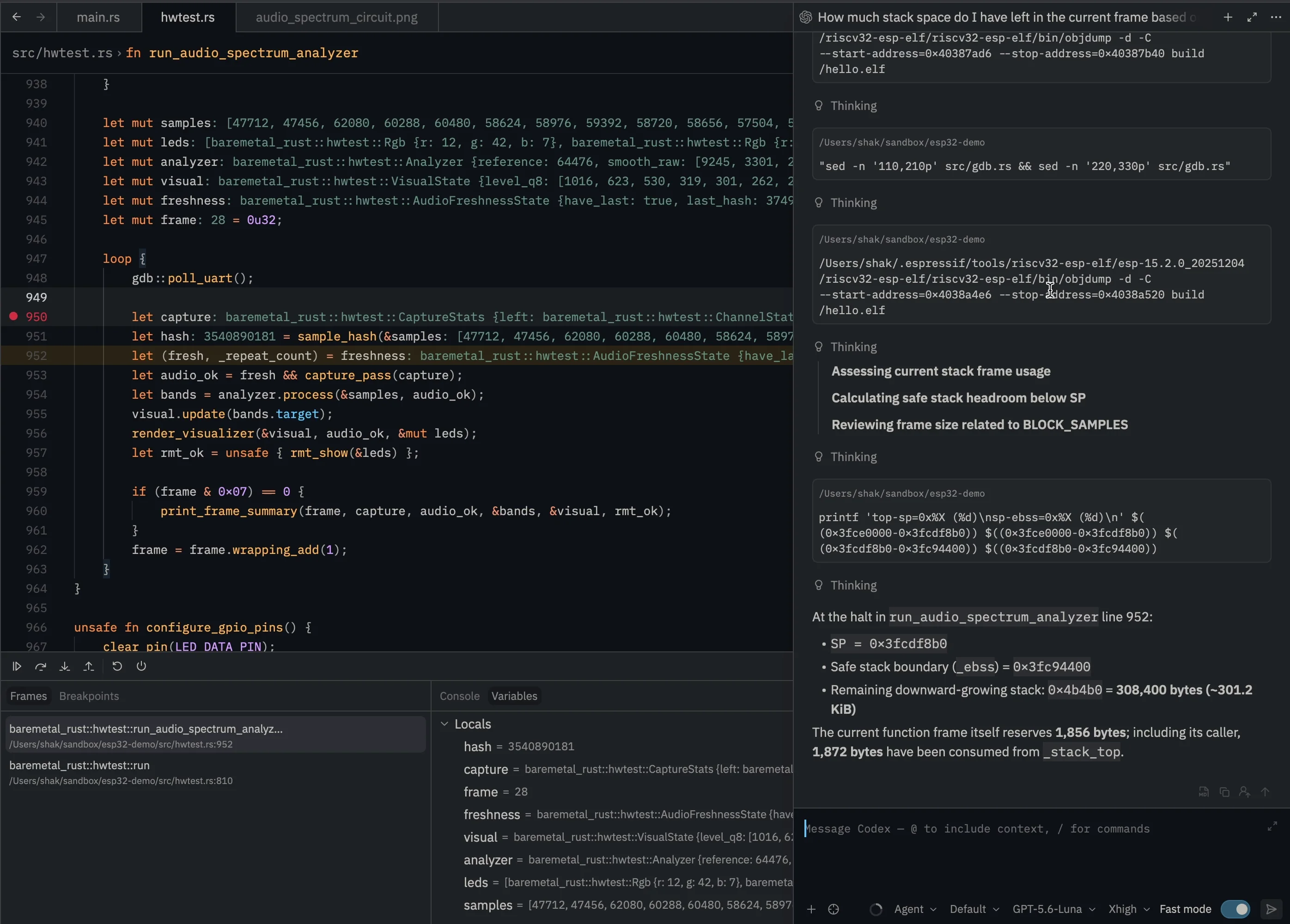
Target debugging
Step through the target, inspect live state, and collaborate with the agent without losing the debugger context behind the issue.
Groundplane exposes the editor's project-aware operations and resulting artifacts through MCP. Start the work yourself, hand it to the agent, and review what happened without restating the target setup or pasting logs into chat.
Join the waitlist for development notes and early testing invitations.